AI Photo Color Correction
It’s easy and FREE to try!
Transform any photo from ordinary to unforgettable in minutes with inPixio’s color correction. Bring out vibrant colors, natural tones, and a polished look that makes every image shine.
Try the free version — upgrade anytime for more features. See FAQ for details
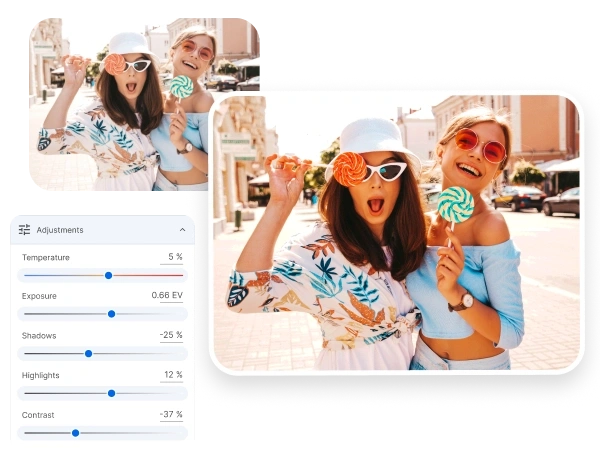


Change the color of your image in 3 easy steps:

1.Open your Photo
in inPixio Photo Studio
~30 seconds
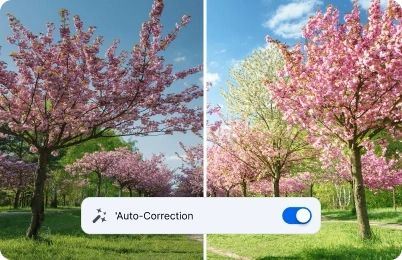
2.Apply the AI color-correction
feature
~60 seconds
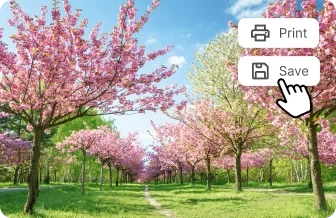
3.Print or download
your image in jpg
~30 seconds
Smart auto color-correction with AI
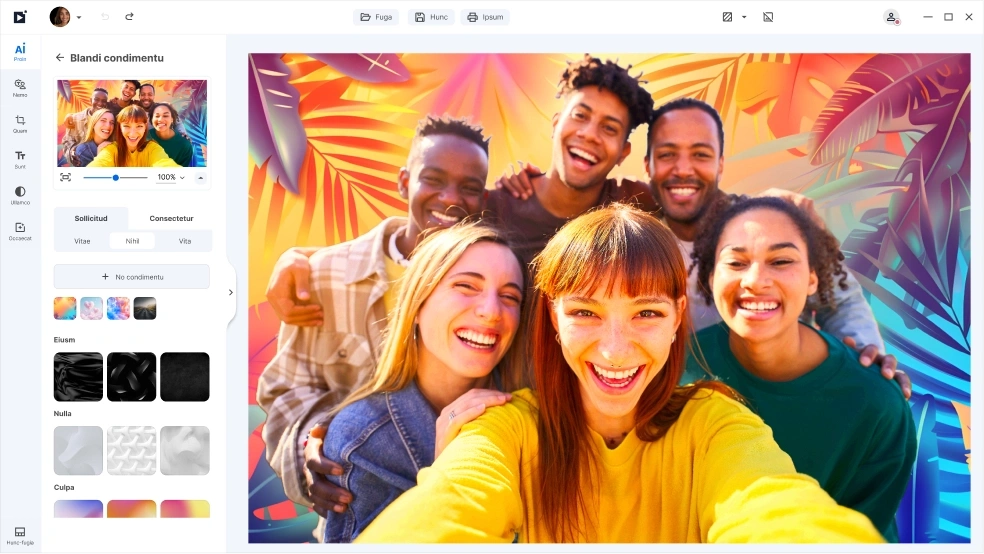
One click is all it takes to make your family or vacation photos look amazing. With inPixio’s AI color correction photo tool, you don’t need to be an expert — the software automatically applies the perfect photo color correction in seconds. In just moments, your photos go from ordinary to unforgettable.
The AI instantly brightens colors, fixes lighting, and brings out the details you didn’t even know were there. With our photo color grading software you can experiment as much as you like — editing has never been this easy, fun, or satisfying.
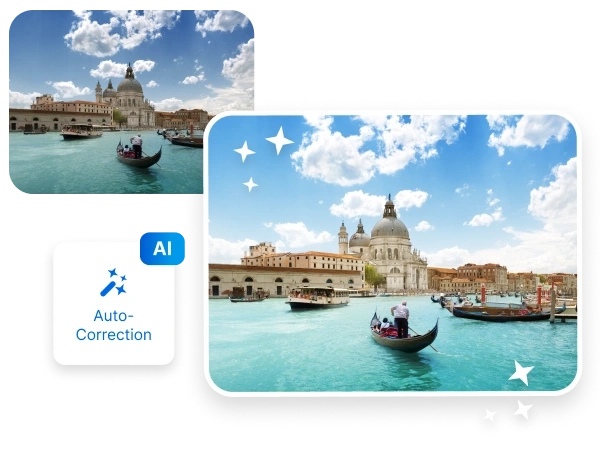
Light & Brightness Made Simple
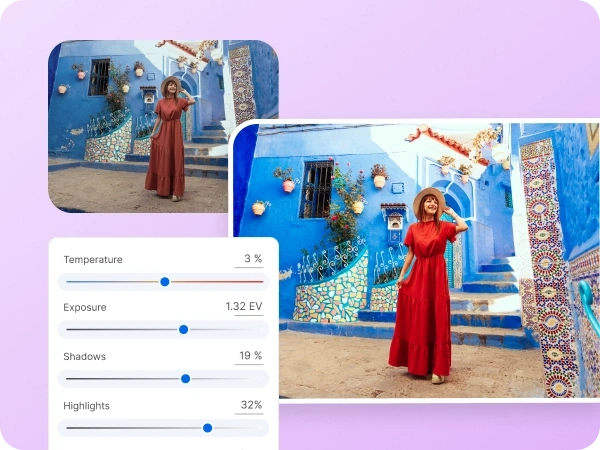
We know what it’s like. You took a shot you expected would come out extraordinary only to be ruined by bad lighting and washed-out colors. With inPixio, you can easily fix that using simple tools for exposure, shadows, and highlights.
Think of it as sliding a dimmer switch until your photo looks just right. Our image color corrector helps bring back hidden details without making editing complicated. Even if you’re new to color grading photography, you’ll be surprised at how quickly your photos can look brighter and more balanced in just a few clicks and drags.
Goodbye boring photos
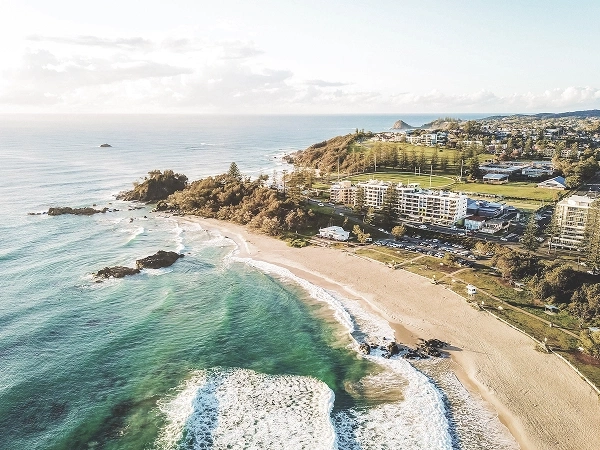
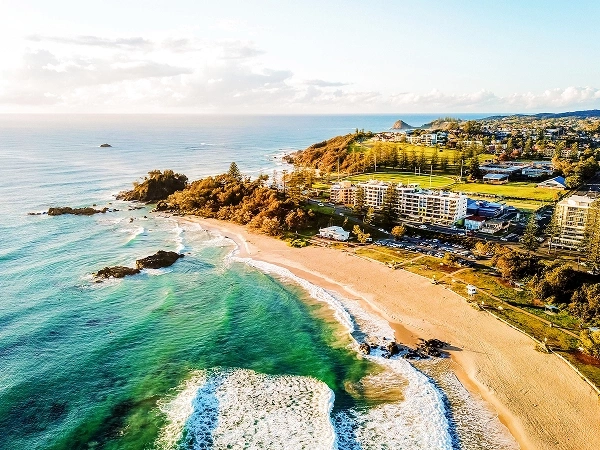
Colors are what make memories come alive — the blue of the ocean, the warmth of a sunset, or the sparkle in someone’s eyes. With our beginner-friendly photo color editor, you can easily adjust photo colors to make them look natural or give them a creative twist.
Whether it’s quick photo color correction to enhance the ocean’s blue, or fun color grading to set a mood, inPixio makes it simple. Our AI photo color-correction option even does the work for you, automatically applying smart image color adjustment so your photos always look their best.
Fun with Filters
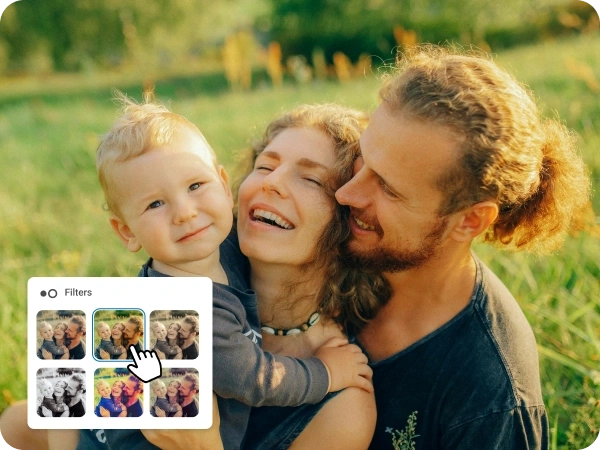
Filters are a quick and creative way to give your family or vacation photos a whole new look. With inPixio’s built-in effects, you can instantly adjust photo colors or apply stylish color grading without needing advanced editing skills. Want your beach shots to look warmer, or your mountain trip to feel cool and crisp? Just pick a filter and watch the magic happen.
You can even combine filters with our photo color editor and image color adjustment tools to fine-tune the results. Whether you’re trying out a vintage vibe or simply doing fast photo color correction, filters make editing fun, easy, and perfect for sharing with friends and family.
Sharing Your Memories
Editing is just the beginning — the real joy comes from sharing your photos. With inPixio, it’s easy to save your edited pictures in the best quality for printing, posting online, or sending to family and friends.
After a quick photo color correction, you can brighten up your vacation shots, enhance family portraits, or even change color of image details for a creative touch. Preserve life’s best memories in their true colors.

Try inPixio photo
editor today
With inPixio, color correction is just the beginning. inPixio has a full suite of easy-to-use editing tools that lets you crop, retouch, remove unwanted objects, add filters, and more. Whether you’re perfecting a single photo or creating an entire collection, inPixio makes it simple to enhance every detail and bring your creative vision to life.
FAQs
How do I correct photo colors online for free?
With inPixio’s free photo color correction tools, you can simply upload your image, adjust photo colors using easy sliders, and download the improved photo in minutes — no experience required.
What is the best photo color editor for beginners?
inPixio’s photo color editor is designed to be beginner-friendly. You don’t need pro skills to enhance your family photos - just choose your photo, make quick image color adjustments, and get polished results instantly.
What does color grading mean in photo editing?
Color grading is the process of adjusting tones and hues to create a certain style or mood in your photo. With inPixio, you can experiment with creative looks or keep it natural with subtle photo color correction.
Can photo color correction fix old or faded pictures?
Absolutely. Using inPixio’s image color corrector, you can restore vibrancy and balance to old photos, bringing back the original warmth and clarity of your favorite memories.
Does color correction improve photo quality?
Yes — photo color correction enhances quality by fixing lighting issues, balancing tones, and making colors more vivid, so your photos look sharper and more professional.
How do I make my photos look more vibrant?
You can boost saturation, adjust brightness, and refine contrast using inPixio’s photo color editor. These quick adjustments make your images stand out with rich, vibrant tones.
What’s the difference between inPixio Free and inPixio Pro?
The Free version lets you edit and save a limited number of images without watermarks. With inPixio Pro version, you get unlimited downloads, printing, and full creative freedom - all watermark-free.