Remove Backgrounds Instantly with AI
One click. No effort. Stunning results
Enjoy automatic background removal for flawless cutouts using the latest AI background eraser technology. Try our AI background remover for free and replace any background in seconds.
Try the free version — upgrade anytime for more features. See FAQ for details
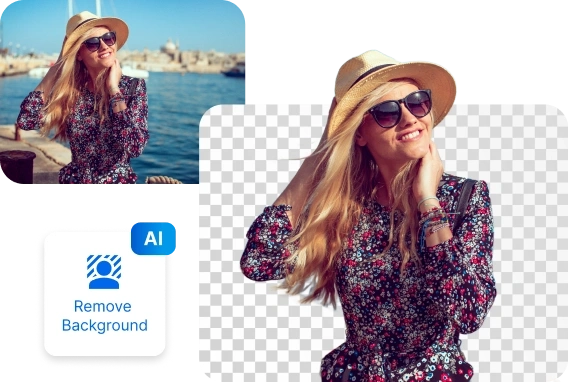


Remove the background of an image in 3 easy steps:

1.Open your Photo
in inPixio photo studio
~30 seconds
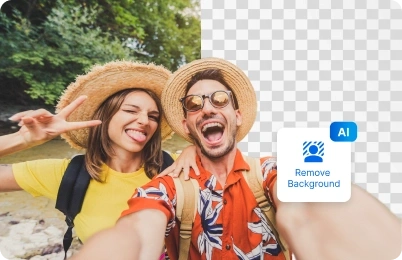
2.Apply the AI tools for remove background and fine‑tune sliders
~60 seconds

3.Print or download
your image in jpg
~30 seconds
Transform Photos with Background Remover
Ever taken a group photo and wished the background was more interesting? Maybe you and your friends proudly posed in front of the Eiffel Tower, but in the picture, it looks like you’re just standing in front of a grey sky. Don’t worry — with inPixio’s photo editor and background eraser you can easily fix that.
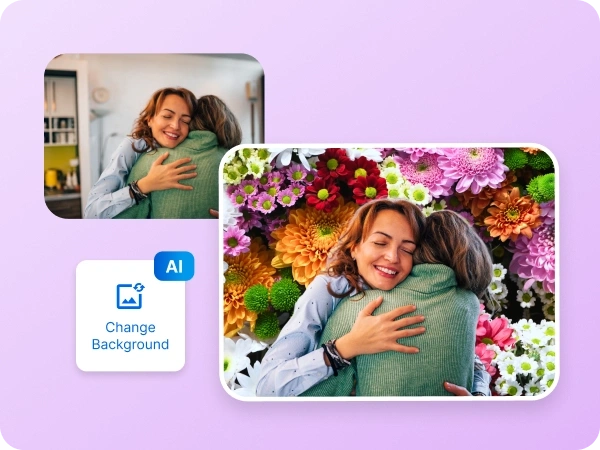
Our powerful remove image background tool lets you replace dull or distracting scenery with something unforgettable. With just a few clicks, you can delete background, swap it for something better.
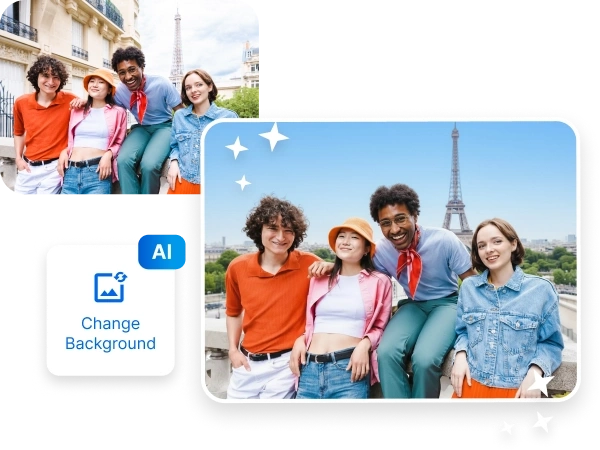
Image transformation for social profiles
Elevate your personal photos with inPixio’s AI background remover tool for seamless, professional results. With automatic background remover, you can erase and replace backgrounds instantly to create the perfect image for LinkedIn, Instagram, or any social platform.
Our easy-to-use AI background eraser makes photo editing effortless, whether you’re a creative enthusiast or a professional designer.

Marketing & Creative Projects
Bring your designs to life with our AI background remover tool for marketing campaigns and creative work. From flyers, ads, and banners to engaging social media posts, automatic background removal makes it easy to isolate your subject and create stunning visuals.
With our AI background eraser, you’ll save time while producing professional-quality graphics that stand out.
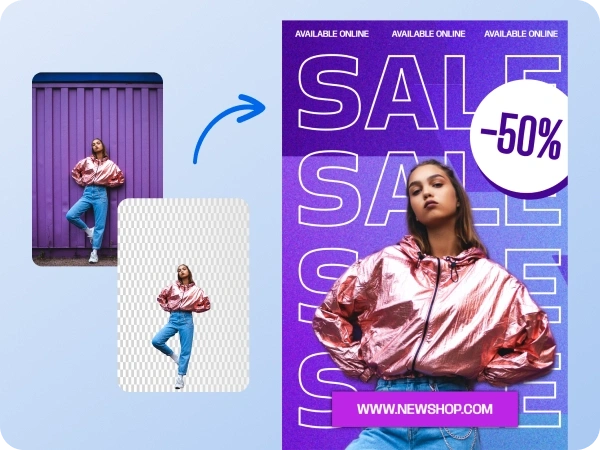
Custom Background Replacement
Transform any photo with our AI background replacement tool. Erase backgrounds automatically and swap them with solid colors, branded templates, or creative designs in seconds. This AI background remover gives you the freedom to personalize every image for your business, brand, or personal use.
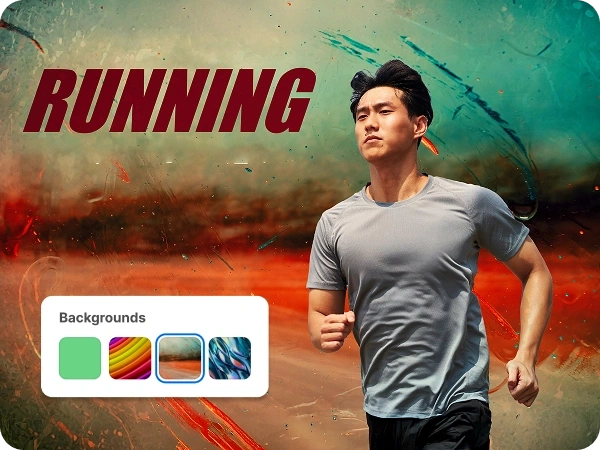
Photography and Editing Made Easy
Take your photos to the next level with inPixio’s AI background eraser tool. Whether you’re enhancing portraits, travel shots, or creative photography, AI background removal makes it simple to highlight your subject and achieve a polished look.
Enjoy effortless editing without complicated software — try our AI background remover free today and see the difference.
Try inPixio photo
editor today
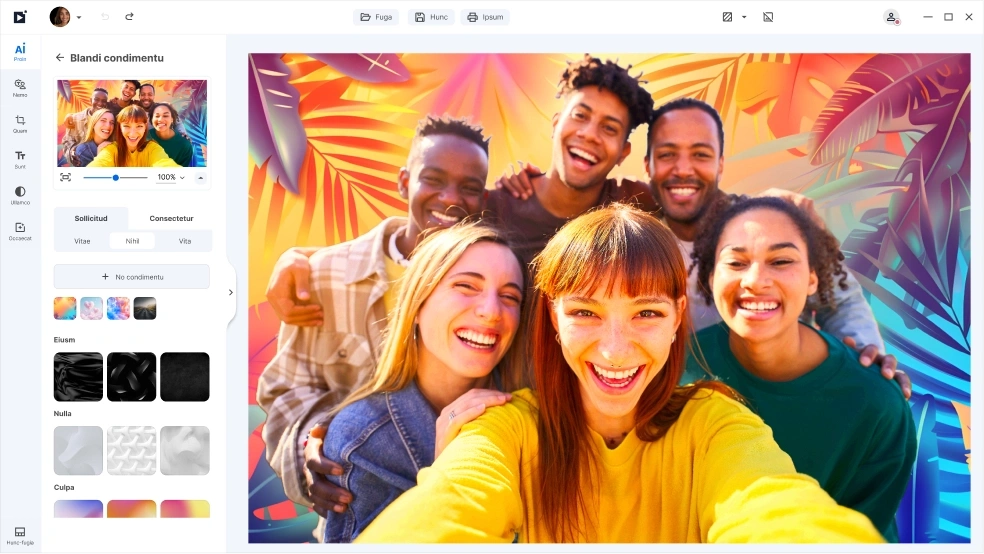
With inPixio, the AI background removal tool is just the beginning. inPixio has a full suite of easy-to-use editing tools that lets you crop, retouch, remove unwanted objects, add filters, and more. Whether you’re perfecting a single photo or creating an entire collection, inPixio makes it simple to enhance every detail and bring your creative vision to life.
FAQs
What is an AI background remover?
An AI background remover is a tool that uses artificial intelligence to automatically erase or replace the background in your photos. It makes editing fast, accurate, and easy for everyone.
Can I try InPixio for free?
Yes! You can try inPixio’s AI background remover for free, in addition to other free features, and see how quickly you can transform your images in just a few clicks.
Can I replace the background after removal?
Absolutely. With our AI background replacement tool, you can swap any background with solid colors or images
Do I need photo editing skills to use it?
Not at all. inPixio’s AI background eraser is designed for everyone — from beginners to professionals — with simple one-click editing.
What can I use background removal for?
You can use AI background removal for product pages, social media profiles, marketing visuals, creative projects, and professional photography.
How do I remove a background from a photo?
Open your image, choose the remove background toolset, adjust the sliders, then export.
What’s the difference between inPixio Free and inPixio Pro?
The Free version lets you edit and save a limited number of images without watermarks. With inPixio Pro version, you get unlimited downloads, printing, and full creative freedom - all watermark-free.