The Fastest Way to Crop Photos Without Losing Quality
Finally, a Photo Cropping Tool That Gets It Right
A smart photo cropping software designed for speed and flawless results. Upload your image, crop with precision, and download in seconds.
Try the free version — upgrade anytime for more features. See FAQ for details
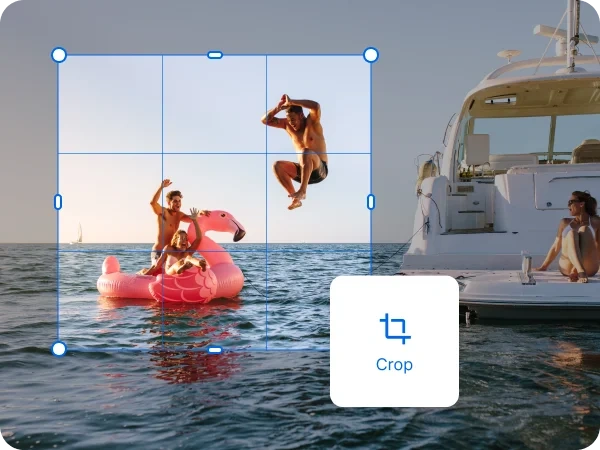


How to crop a photo in 3 simple steps:

1. Open your Photo
in inPixio Photo Studio
~30 seconds
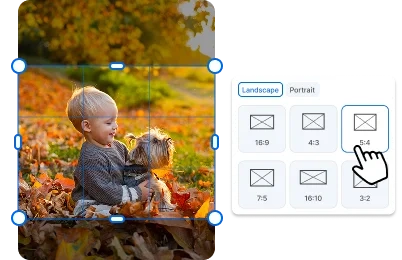
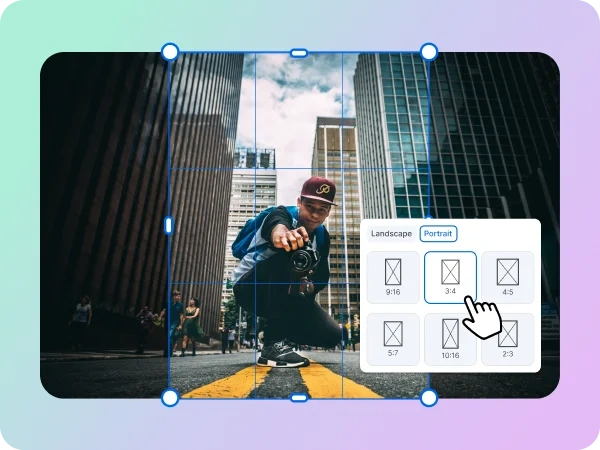
2. Use the Crop tab to choose a preset dimension, angle, or custom crop.
~60 seconds
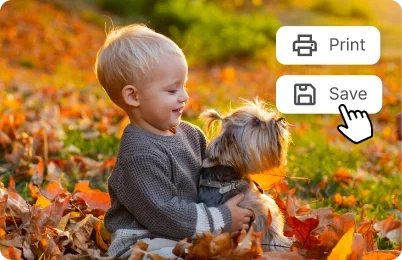
3. Print or download your image in jpg
~30 seconds
An Image Cropper that Values Quality
You might be wondering why you’d need a photo cropper tool when you can crop images directly on your phone. While that’s true, it often comes at a cost—most built-in phone photo croppers reduce image quality, meaning your photos lose sharpness and clarity the more you edit them.
Using a professional image cropper ensures your photos stay sharp, clean, and high-quality no matter how often you edit.

Get The Best Out of Photo Cropping
Cropping photos can be a game changer. Instead of stressing about getting the perfect shot or avoiding every distraction, you can focus on enjoying the moment—knowing a reliable, accurate image cropper is waiting for you when you need it. With inPixio, small imperfections are fixed in seconds, so you spend less time editing and more time capturing amazing photos.
Need to remove a photobomber? Crop it out in seconds. Want to eliminate clutter on the edge of your image? It’s just a quick cut away. And the best part is you are not compromising on quality.
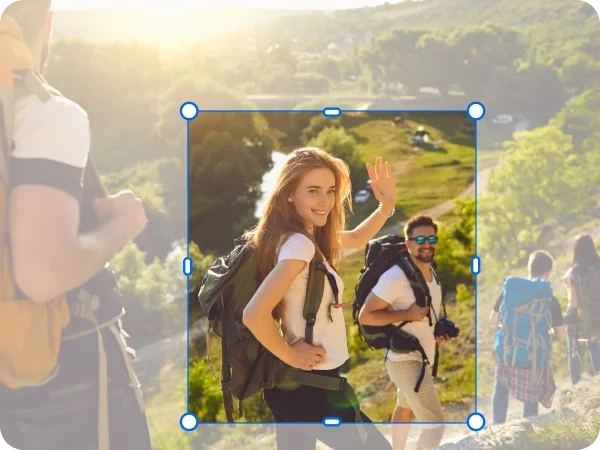
From Social Posts to Product Photos
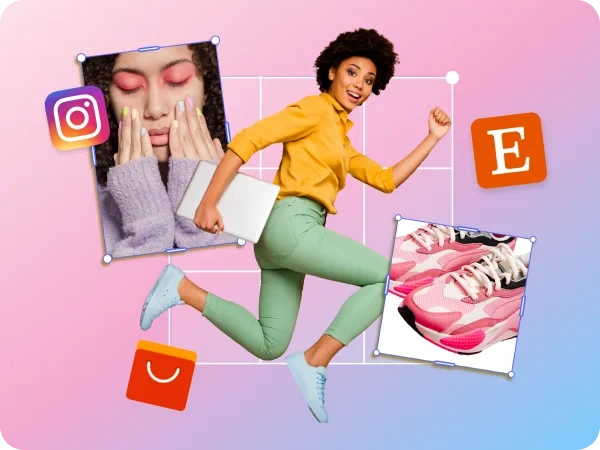
Whether you’re cropping photos for work or personal use, inPixio’s image cropper is built for everyone—no editing experience required. Create perfectly sized images for your favorite social media platforms in seconds using ready-made dimensions or easily crop personal photos while keeping them clean and high-quality. For businesses and sellers, inPixio also helps you showcase products with consistent, professional-looking images.
Why Choose inPixio Photo Cropping Software?
Traditional editing softwares can be powerful, but it’s often more than you need for simple photo cropping. A lot of tools come with steep learning curves and complex interfaces.
A dedicated image cropper focuses on what matters most: speed, simplicity, and accuracy. inPixio is built for real life - it lets you crop your photos in seconds without hassle or endless guesswork.
Try inPixio Photo Editor Today
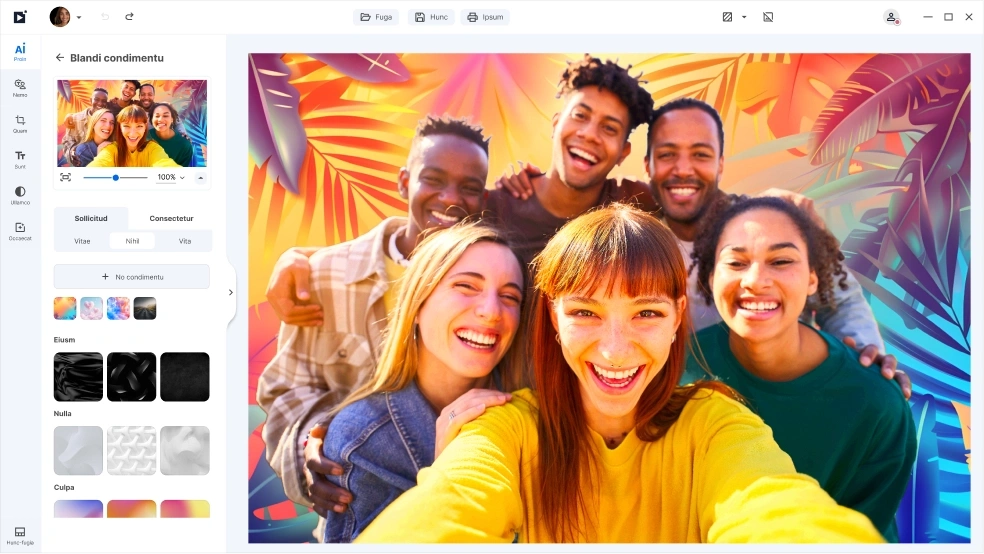
With inPixio, the photo cropper tool is just the beginning. inPixio has a full suite of easy-to-use editing tools that lets you retouch, remove unwanted objects, add filters, and more. Whether you’re cropping a single photo or an entire collection of photos, inPixio makes it easy to preserve the quality every detail and bring your creative vision to life.
FAQs
Does cropping a photo reduce image quality?
With a high-quality image cropper, your photos remain sharp and clear. Unlike basic tools, inPixio preserves image integrity so your images don’t lose quality through repeated edits.
Do I need editing experience to use this image cropper?
No. inPixio is designed for beginners and everyday users. Simply upload your photo, choose a dimension or shape, and download your photo. There is no learning curve.
Can I set custom crop dimensions?
Absolutely. You can choose from preset ratios or define custom dimensions to match your exact needs.
Can I crop photos for social media?
Yes. inPixio offers ready-made dimensions that you can use for popular social media platforms, so your images are perfectly sized every time.
What should I look for in a good photo cropping program?
A good photo cropping program should preserve image quality, offer precise cropping controls, support preset and custom dimensions, and be easy to use without a steep learning curve.
What’s the difference between inPixio Free and inPixio Pro?
The Free version lets you edit and save a limited number of images without watermarks. With inPixio Pro version, you get unlimited downloads, printing, and full creative freedom - all watermark-free.