Photo enhancement software for everyone
A few clicks. No effort. Stunning results.
Turn any low-quality photo into a sharp and high-definition photograph with AI.
Try the free version — upgrade anytime for more features. See FAQ for details



How to enhance an image in 3 steps

1.Open your Photo
in inPixio Photo Studio
~30 seconds
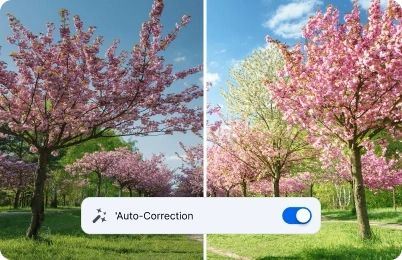
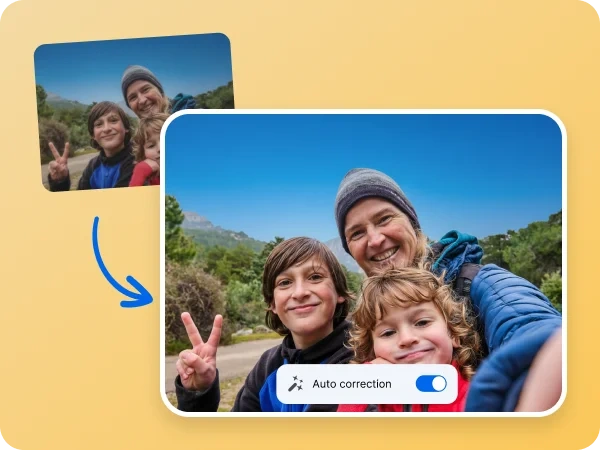
2. Apply the AI auto-correction
feature or the manual image enhancement tools
~60 seconds
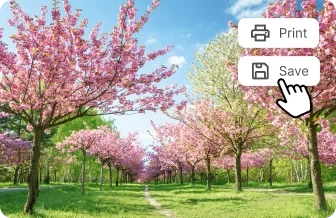
3. Print or download your image in jpg
~30 seconds
Revive your old camera roll
We all have those photos sitting deep in our camera roll —low-resolution photos we still love because of the memories they hold. We all wish we could magically enhance those photos. With inPixio’s photo enhancer, that magic is real.
Give your old images a new life. With just a few clicks, you can improve photo quality instantly with no editing experience.
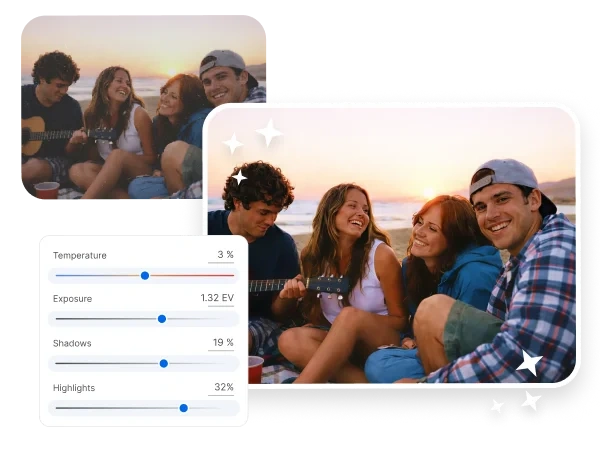
A meaningful moment turned blurry
Maybe it was the moment you got engaged, the second your niece took her first steps, or that shot of you and your friends tossing graduation caps into the sky. The memory is perfect, but the photo isn’t. It’s blurry, the colors are off, and somehow it looks like it was taken ages ago.
inPixio brings those moments back into focus. With just a few clicks, you can enhance your image and turn it into an upscaled image that preserves every detail while improving overall photo quality.
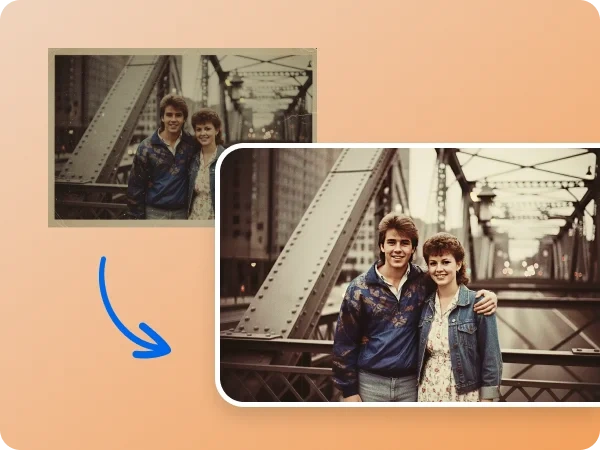
A photo enhancer that brings out
the details
Some of the most meaningful photos we take are the ones with people in them—but they’re also the ones most likely to turn out soft or slightly out of focus. Perhaps the camera didn’t lock on the right subject or the lighting hits at the wrong spot. Whatever the reason, the details you want to see just aren’t there.
Thanks to inPixio, with just a few clicks, you can enhance a blurry photo, boost color, and add clarity to images that feel a little dull or dated. It’s an easy way to restore the moments that matter, without needing any editing experience. It’s never been this easy to enhance an image. Try our image upscaler now and see the enhanced details in your photos instantly.


AI photo enhancer that saves you time
It doesn’t have to be complicated or time-consuming to enhance a photo. With inPixio as your photo enhancing software, you can enhance low-resolution photos, sharpen details, upscale images, and correct flaws in seconds. The AI auto-correction can improve photo quality in one single click.
No hour-long tutorial to watch and no special skills to master. That’s why inPixio users are always bragging about how easy it is for beginners to upscale images. AI takes care of the heavy lifting so you can focus on the memories, not the manual work.
Try inPixio Photo Editor Today
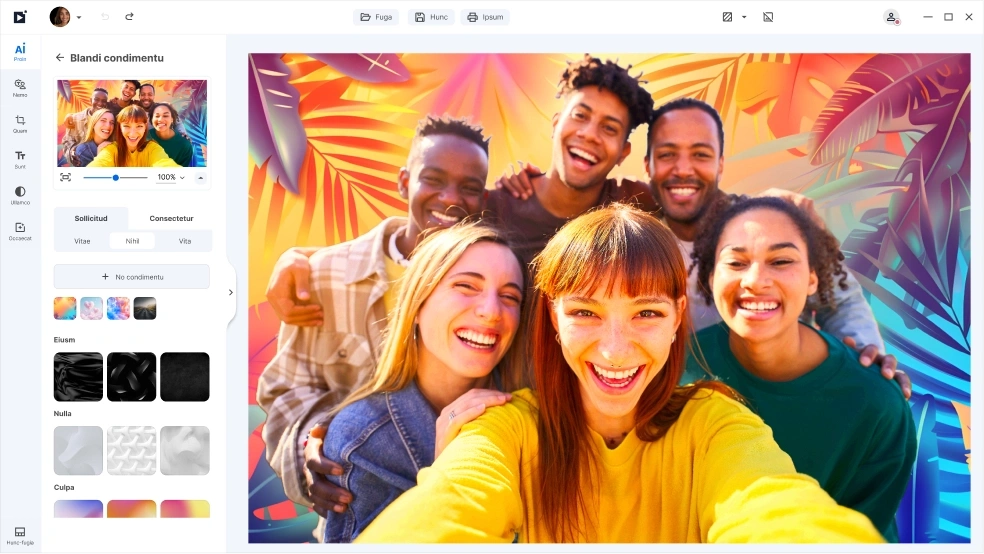
With inPixio, the image quality enhancer feature is just the beginning. inPixio has a full suite of easy-to-use editing tools that lets you crop, retouch, remove unwanted objects, add filters, and more. Whether you need to upscale an image or many, inPixio makes it simple to enhance every detail and bring your creative vision to life.
FAQ on our photo editor
What is a photo enhancement software?
A photo enhancement software (or a photo enhancement program) is a tool that improves the quality of your images by sharpening details, boosting colors, fixing lighting issues, and reducing blur or noise. With inPixio’s AI auto-correction, you can enhance images automatically—no editing experience required.
How can I enhance an image quickly?
If you're wondering how to enhance a photo without spending hours editing, AI tools are the easiest solution. With inPixio, you simply upload your image and let the software do the work—instantly improving sharpness, brightness, and clarity for an instantly enhanced image.
How can I make low-quality photos look better?
If you're searching for how to make low-quality photos look better, AI tools offer the fastest solution. Upload your image to inPixio, select the auto-correction feature and the photo enhancement software will automatically detect issues—like blur, noise, or dull colors—and enhance the photo with a single click, or adjust it yourself just the way you want to.
Do I need editing skills to use a photo enhancer?
Not at all. Modern photo enhancers are designed for everyone. With inPixio, you can enhance images in seconds—no technical skills needed, no complicated tools to learn.
Can I use the image enhancer software for free?
Yes, inPixio offers both free and premium options. The free version allows you to enhance images and download a limit of 5 watermark-free photos while our premium subscription unlocks unlimited HD quality downloads. We believe in providing powerful editing tools accessible to everyone. Try our image upscaler now for free.
Can I enhance old or scanned photos?
Yes. If you have old prints or scanned images, a photo enhancement program can remove noise, sharpen faded details, improve color, and generally improve photo quality. It’s ideal for restoring older memories without needing expert editing skills.