Everything You Need to Retouch Photos Perfectly
One simple software. All your Photos perfected.
Achieve flawless results in minutes with intuitive photo retouching tools, blending custom controls and AI-powered features to take your photos further.
Try the free version — upgrade anytime for more features. See FAQ for details
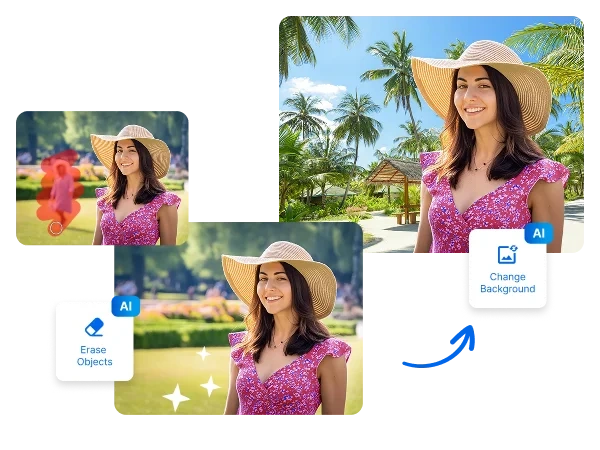


How to Retouch a Photo in 3 Simple Steps:
1. Open your Photo in inPixio Photo Studio
~30 seconds
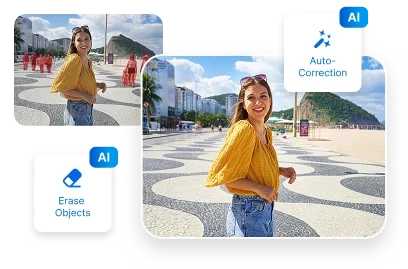
2. Apply auto-correction, erase objects, or manually retouch your photo.
~60 seconds
3. Print or download your resized image in JPG
~30 seconds
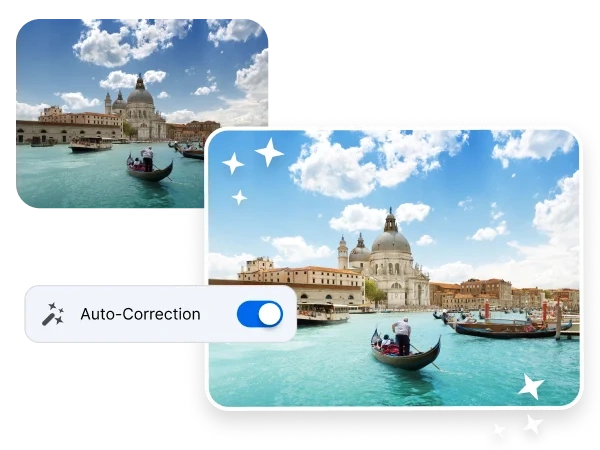
Touch Up Photos Using AI-Powered Color Correction
Have you ever opened a photo you love, but the colors don’t quite match the moment? It happens more often than you think due to lighting conditions, camera settings, or the environment around you.
Thankfully, AI photo retouching tools like inPixio’s auto-correction feature can fix tones and balance color in just one click, so you don’t have to spend time perfecting a photo you cherish. Best of all, even with AI photo retouching, your image still looks natural and true to the moment.
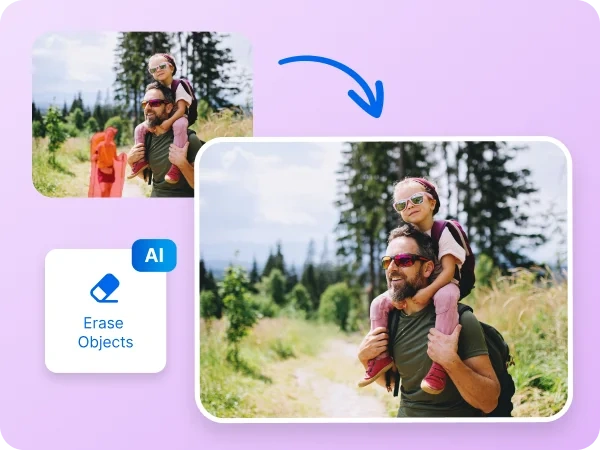
Touch Up Photo Backgrounds with One Click
We can’t always make sure our surroundings are free of distractions when a photo is captured. Clutter, unexpected objects, or busy surroundings can easily ruin an almost-perfect shot. Thankfully, an AI photo retouching software like inPixio’s magic eraser make it so easy to touch up photos and remove distractions in seconds.
Use AI to automatically clean up your image or simply select what you want to remove with one click of a button. AI photo retouching has never been this easy. Bye, photobombers. Hello, picture-perfect moments.
Touch Up Photos for Clear, Sharp Results
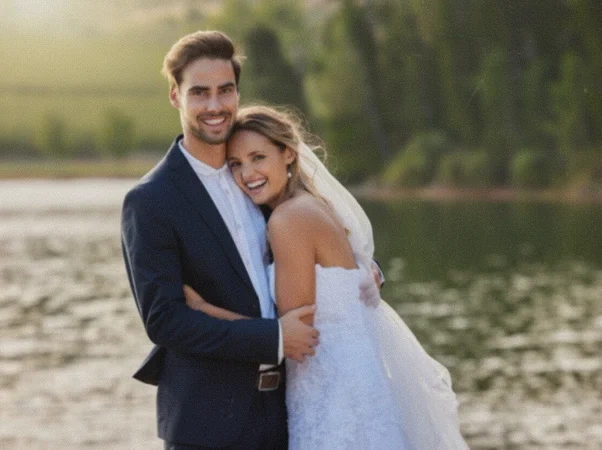
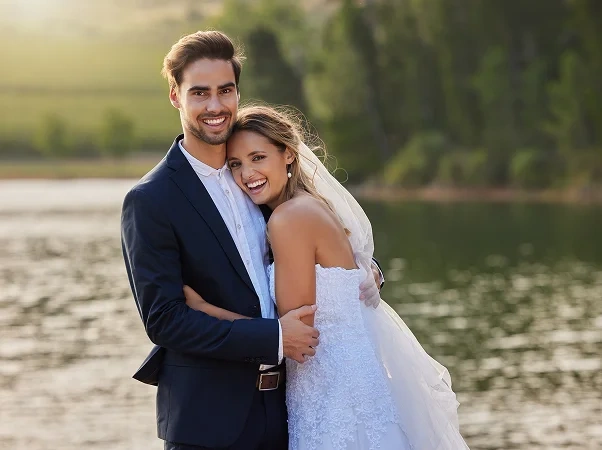
You take the photo, and the moment feels right—but when you look closer, it’s not as clear as you remember. Maybe the wedding venue lighting was low, or the image you took at night picked up a bit of grain.
With simple sharpening and noise reduction tools, you can bring back crisp details and smooth out distractions, so your photos look cleaner, clearer, and capture the moment’s details. With inPixio you can truly retouch photos from A to Z.
Try inPixio photo editor today
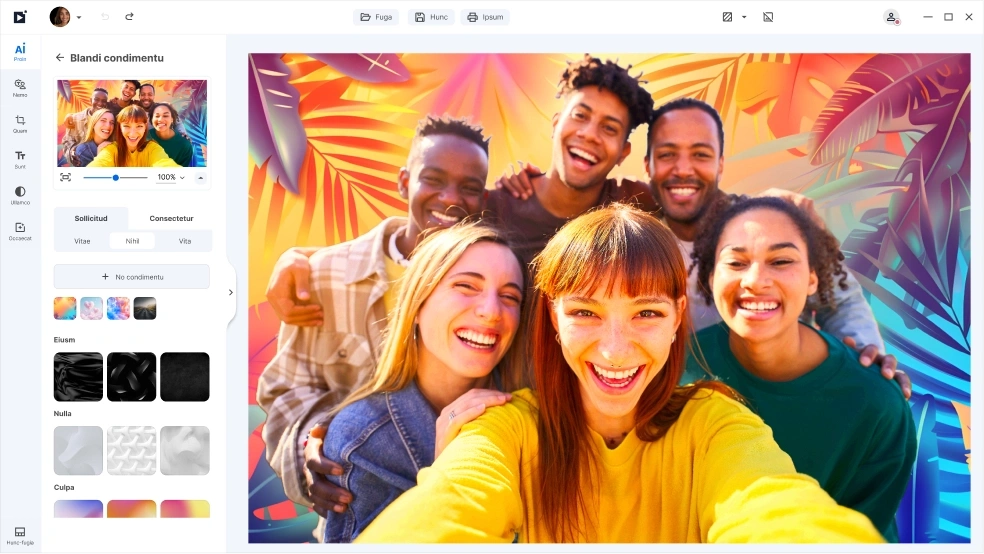
With inPixio, photo retouching is just the beginning. inPixio has a full suite of easy-to-use editing tools that lets you crop, remove backgrounds, replace skies, add filters, and more. Whether you’re retouching a single photo or touching up lots of photos, inPixio makes it simple to enhance every detail and bring your creative vision to life.
FAQs
What's the best AI photo retouching software?
The best AI photo retouching software is one that combines powerful automation with easy manual controls, so you can get natural-looking results without complex editing. Look for tools that offer features like auto-correction, AI-powered object removal, and sharpening—all in a simple, intuitive interface. A retouching software like inPixio is designed to help you touch up photos quickly while keeping them realistic.
Will applying AI photo retouching make my photos look unnatural?
Not when it’s done right. Good AI retouching enhances colors, sharpness, and details subtly, preserving natural textures and lighting. The goal is to improve your photo—not change how it looks or feels.
What kinds of photos can I retouch with AI?
You can retouch portraits, landscapes, family photoshoots, travel photos, social media images, and more. AI photo retouching tools adapt to different photo types, making them versatile for everyday as well as professional use.
Do I need photo editing skills to use inPixio?
No. You don’t need prior photo editing experience to use inPixio. Its intuitive interface and one-click tools make it easy for beginners to enhance and retouch photos right away, while still offering more advanced controls if you want to fine-tune your edits easily and quickly.
Do I need multiple tools to retouch photos?
No. An all-in-one photo retouching software combines multiple features—such as color correction, background cleanup, and noise reduction—into one easy-to-use platform, saving you time and effort.
What’s the difference between inPixio Free and inPixio Pro?
The Free version lets you edit and save a limited number of images without watermarks. With the inPixio Pro version, you get unlimited downloads, printing, and full creative freedom - all watermark-free.