AI-Powered Photomontages
Upload. Arrange. Create.
Turn a collection of photos into a beautiful, shareable photo collage—even with zero design skills. With intuitive tools and ready-made layouts, creating something meaningful takes just minutes, not experience.
Try the free version — upgrade anytime for more features. See FAQ for details
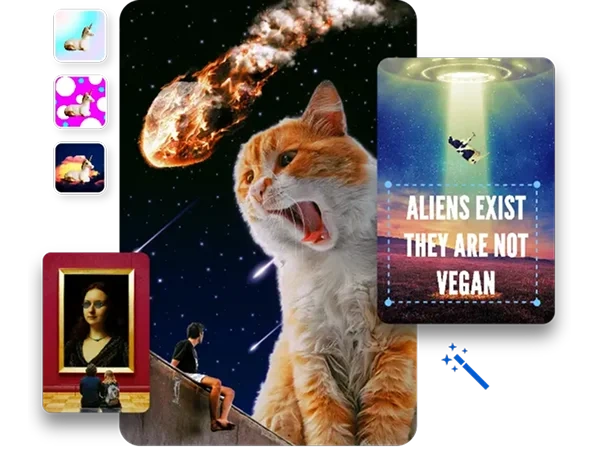


How to make a photomontage in 3 steps
1. Upload and/or choose template
photos
~30 seconds
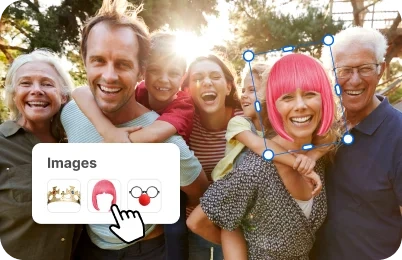
2. Add stickers, texts and arrange
as you wish
~60 seconds
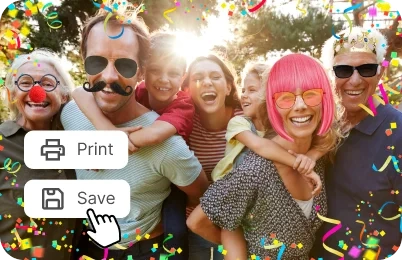
3. Print or download your image in jpg
~30 seconds
Your Memories, Beautifully Combined
We all take beautiful photos on vacation or during the holidays—only to let them sit on our phones for years. A photo montage software makes it easy to bring those moments to life by combining your favorite shots into one meaningful photo collage that captures an array of special memories at once.
Whether you want to display your honeymoon photos in your new living room or turn your snowy Christmas moments into a desktop wallpaper, inPixio’s photo collage maker makes it simple. No more unused photos—turn your memories into something you’ll love to see every day.

Picture Montages for Memes,
Graphics & Social Posts
Ever feel like creating a simple graphic takes way too long with the average photomontage software? Same here. That’s why inPixio makes it fast and easy to create picture montages for memes, collages, and social posts—no design skills and no overthinking required.
Start with ready-made templates, upload any photos you want, and create something share-worthy in just a few clicks.

Make Your Photomontage Speak with Text and Stickers
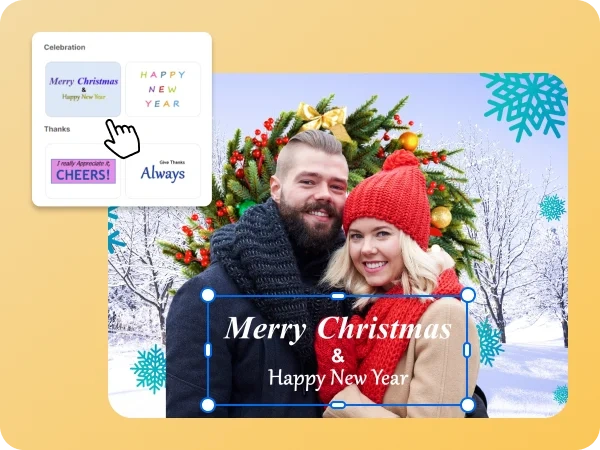
Got something to say in your picture montage? No problem. Choose from a variety of colorful text templates or create your own from scratch. With easy-to-use tools, inPixio’s collage photo maker allows you to type, style, and position your message in seconds.
You can even add fun stickers to sprinkle some personality into your collage. Choose from a variety of ready-made stickers or upload your own, then place, resize, and rotate them in seconds. Perfect for album collages, custom birthday cards, or quick posts you’d like to share. This collage photo maker is truly an all-in-one tool.
Try inPixio Photo Editor Today
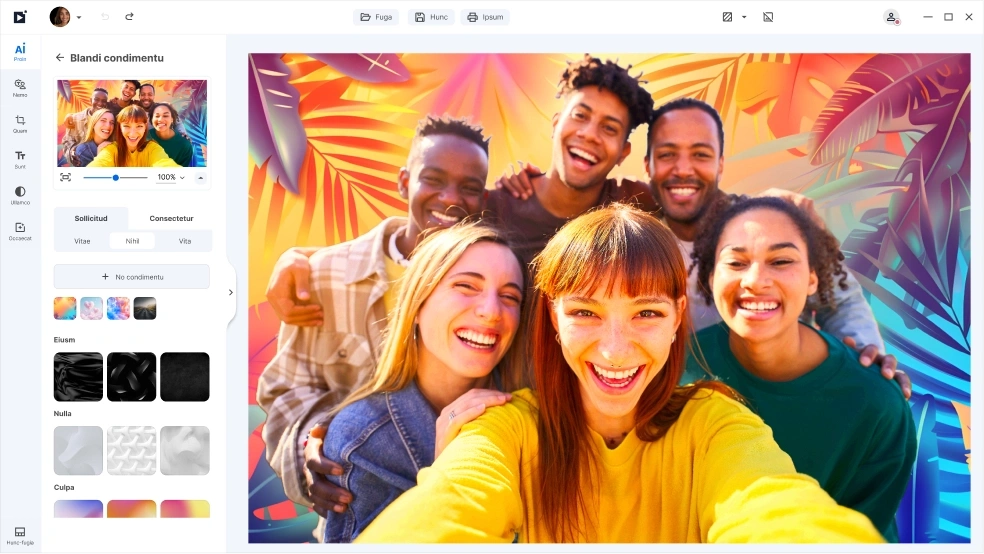
With inPixio, color correction is just the beginning. inPixio has a full suite of easy-to-use editing tools that lets you crop, retouch, remove unwanted objects, add filters, and more. Whether you’re perfecting a single photo or creating an entire collection, inPixio makes it simple to enhance every detail and bring your creative vision to life.
FAQs
What is a photomontage?
inPixio’s AI photomontage tool is a creative feature that combines photos, text and visual elements into a single picture. It makes it easy to create eye-catching designs that you can fully customize. It’s perfect for photo collages, digital cards, memes, social media posts, and more. Try it out to turn any idea into something worth sharing.
Do I need any design skills to use this photomontage software?
Not at all. Everything is designed to be easy and intuitive for both beginners and professionals. With our collage photo maker, you can use ready-made templates or start from scratch.
Can I use my own photos?
Yes. You’re free to upload your own photos and customize them however you like with text, stickers, and other elements
Are there templates available?
Yes. inPixio lets you choose from a variety of ready-made images and text templates to get started quickly or customize everything yourself.
Can I share my creation with friends and family?
Of course! Once your photomontage is ready, you can download your creation and share it with family and friends, or post to social media.
Can I use the photomontage software for free?
Yes, inPixio offers both free and premium options. The free version allows you to create and download a limit of 5 watermark-free photos while our premium subscription unlocks unlimited HD quality downloads. We believe in providing powerful editing tools accessible to everyone. Try our AI photomontage software now for free