Instantly Remove
Unwanted Objects from
Any Photo with AI
No editing skills needed — just tap, erase, and done
Let our AI object remover clean up your photos in seconds, removing distractions and imperfections with remarkable precision.
Try the free version — upgrade anytime for more features. See FAQ for details
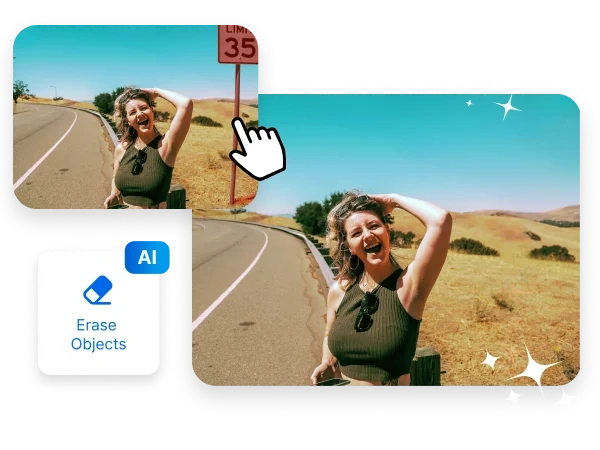


How to remove an object from an image in 3 easy steps
1.Open your Photo
in inPixio Photo Studio
~30 seconds
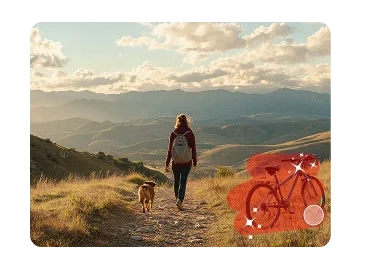
2.Apply the AI tool to remove the
object from your photo
~60 seconds
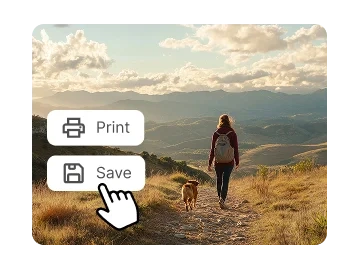
3.Print or download your newly
flawless image in jpg
~30 seconds
Fix the Photo You Love
Without Starting Over
When a great photo has one tiny distraction, you don’t have to let it ruin the moment. With our photo editor for removing objects, you can instantly clean up the shot and preserve the memory exactly the way you want it.
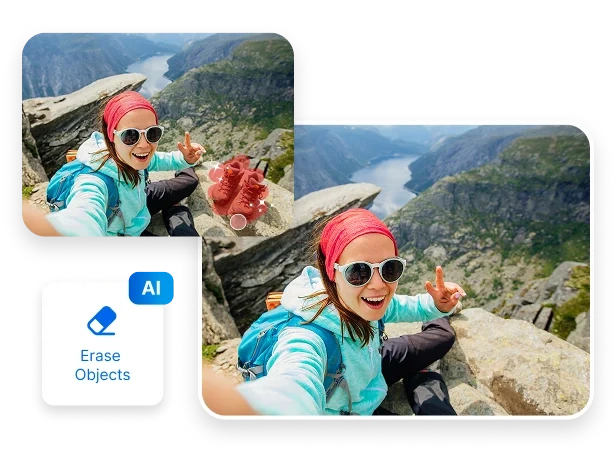
Object Removal That Actually
Looks Real
Manual editing often leaves behind smudges, distortions, or uneven patches, wasting hours as you try to perfect a photo. With inPixio, AI handles object removal for you—filling the space naturally and matching lighting, texture, and background. The result is a flawless edit that looks seamless, as if the unwanted object was never there.
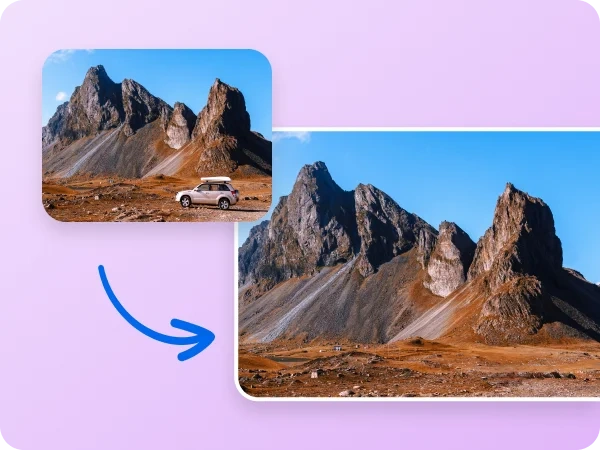
Designed for Creators,
Travelers and Everyday Users
Great photos shouldn’t require expert editing skills. That’s why with inPixio, anyone can remove unwanted objects in seconds—whether you’re a total beginner or a seasoned creator. Our AI object remover handles the heavy lifting for you, making it easy to erase objects, delete anything from an image, and clean up your photos quickly, effortlessly, and beautifully.


Work Smarter, Not Longer
Manual editing tools can take ages. Let AI do the heavy lifting—remove objects, fix distractions, and clean up your images in seconds. Get more done in less time without sacrificing quality. All it takes is a few clicks to create clean, professional-looking photos you’ll be proud to share.
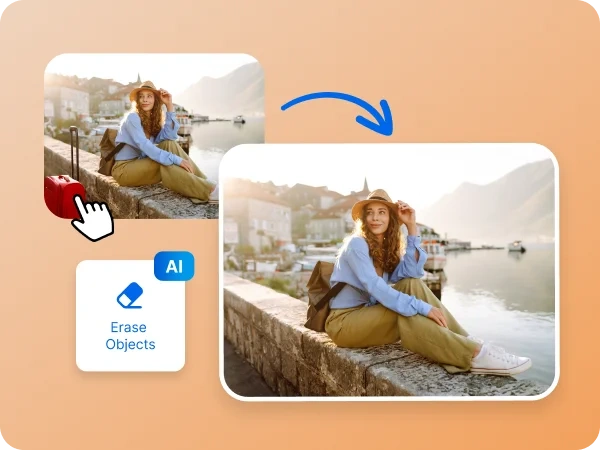
Download to try it
for Free
Ready to see how simple object removal can be?
Download inPixio and test out all the essential features for free. Erase objects, fix distractions, and improve your photos instantly—it's fast, easy, and perfect for beginners.
FAQs
How does the AI object remover work?
inPixio uses advanced AI to detect unwanted objects, fill in the background naturally, and blend textures, lighting, and colors for seamless results—no manual editing required.
Can beginners use inPixio?
Absolutely. inPixio is designed for everyone—whether you’re brand-new to editing or an experienced creator. Simply select the object you want to remove, and the AI takes care of the rest.
What types of objects can I remove from my photos?
You can remove people, clutter, signs, reflections, text, logos, cars, wires, and almost anything else that gets in the way of a perfect shot.
How can I share my edited photos from InPixio Photo Studio?
Edited photos can be easily exported and shared directly from inPixio Photo Studio in various formats, suitable for web, print, or social media.
What’s the difference between inPixio Free and inPixio Pro?
The Free version lets you edit and save a limited number of images without watermarks. With inPixio Pro version, you get unlimited downloads, printing, and full creative freedom - all watermark-free.