Resize an Image Without Losing Quality
A photo resizer that removes the manual work and gives you back your time
Resize photos instantly with inPixio’s photo resizer — select from popular dimensions and keep every image sharp and clean.
Try the free version — upgrade anytime for more features. See FAQ for details
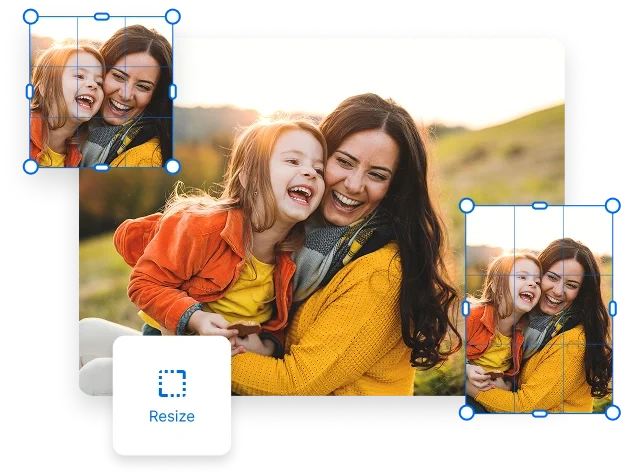


How to Resize an Image in 3 Easy Steps
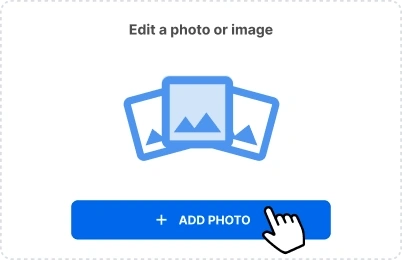
1. Upload your Photo
in inPixio Photo Studio
~30 seconds
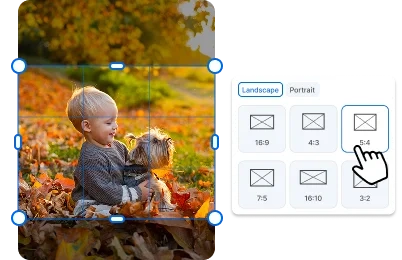
2. In the “Crop” section,
select your size of choice
~60 seconds

3.Print or download your resized image in JPG
~30 seconds
Preserve Image Quality at Any Size
Resizing photos with standard phone or laptop tools often leads to hidden quality loss—blurry edges, pixelation, or distorted details. With inPixio’s photo resizer, you never have to worry about that. It’s designed to adjust image dimensions while keeping every pixel sharp.
Whether you’re making a small tweak or a major resize, inPixio preserves the clarity, detail, and overall quality of your original shot.
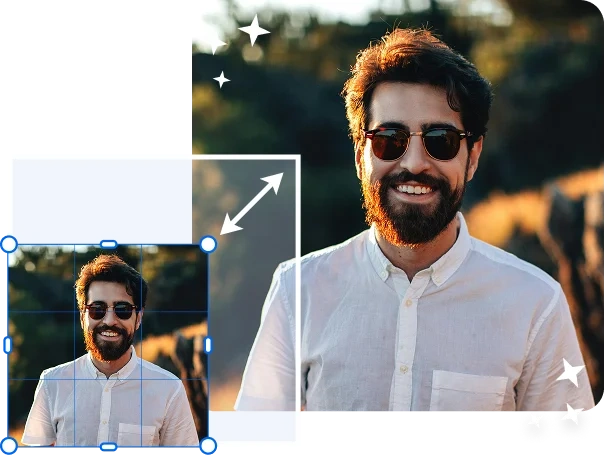
Resize Images but Save Time
Say goodbye to manual adjustments and trial-and-error resizing that—let’s be honest—frustrates everyone. You don’t need expert skills to know how to resize an image correctly. That’s why inPixio includes preset dimensions that let you resize your images in just one click.
No more checking measurements or going back and forth trying to make your photo fit. Save yourself the hassle and let this simple image resizer do the work for you.
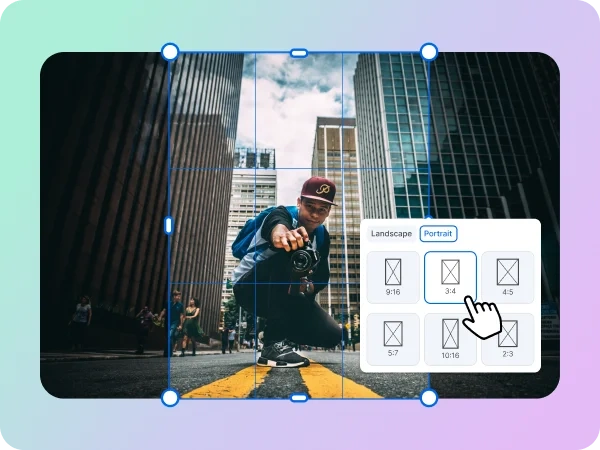
Perfect Sizes for Every Social Media Platform
Stop guessing image dimensions for social media. inPixio makes it easy to resize your photos for Instagram, Facebook, X, LinkedIn, and more—using ready-made presets designed for common platforms.
Whether you need the photo resizer for posting stories, profile pictures, ads, or feed posts, your images will always fit perfectly. So say goodbye to endlessly adjusting image sizes and hello to our easy photo resizer.
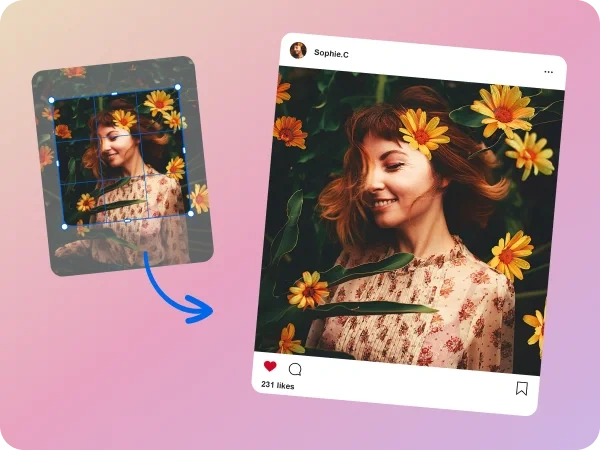
Create Consistent Image Sets
Consistency matters—especially if you’re creating photo albums, product listings, social media grids, or portfolio pages. With inPixio’s image resizer, you can resize multiple images to the exact same dimensions, ensuring your entire set looks uniform and polished. No mismatched sizes, no uneven layouts—just clean, cohesive visuals every time.

Resize Images with No Design Skills
Not a designer? Not a problem. inPixio keeps things simple with controls anyone can understand instantly. Just choose a size, click to resize, and you’re done—beautiful, polished images without the technical hassle.
It’s so intuitive, you won’t need tutorials or guides. inPixio makes correct image resizing effortless from the very first click. Check it out yourself and resize your image now.
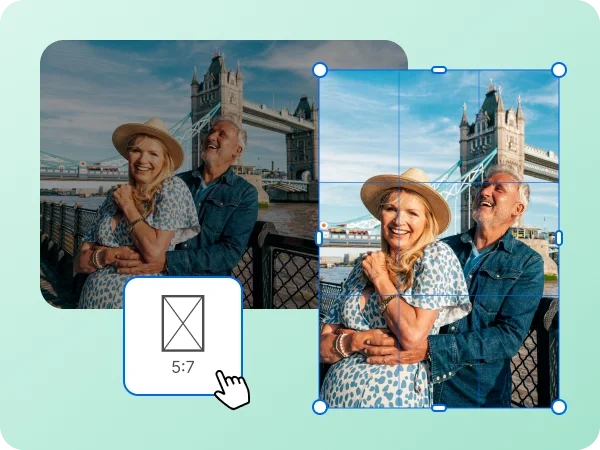
Try inPixio Photo Editor Today
With inPixio, the image resizer is just the beginning. inPixio has a full suite of easy-to-use editing tools that lets you retouch, remove unwanted objects, add filters, and more. Whether you’re resizing a single photo or an entire collection of photos, inPixio makes it easy to preserve the quality of every detail and brings your creative vision to life.
FAQs
Do I need any photo editing experience to use inPixio’s photo resizer?
Not at all. inPixio is designed for beginners and experts alike. The interface is simple, intuitive, and guided by presets—so you can resize any image in just a few clicks.
Will resizing affect the quality of my photos?
No. inPixio uses smart technology to preserve clarity and detail, so you can resize any image without losing quality. No blurry or stretched results.
Do I need to understand dimensions or aspect ratios to resize an image?
Not unless you want to. inPixio offers ready-made presets for common sizes, so you can avoid dealing with technical measurements altogether.
Can I use inPixio offline?
Totally. inPixio Photo Studio is a desktop application that can be used offline. You can resize photos without an internet connection.
Can beginners use inPixio?
Absolutely. inPixio is designed for everyone—whether you’re brand-new to editing or an experienced creator. Simply select the dimensions you want to apply to resize your photo and your image is ready.
Can I try inPixio for free?
Yes! You can try inPixio’s photo resizer for free, in addition to other free features, and see how quickly you can transform your images in just a few clicks.